
The Hostking Client Portal is where you manage all of your web hosting services, domain name registrations, log support tickets, pay invoices, get your support PIN and more.
To ensure a high level of account security, we require that all customers provide their support PIN to make any account changes.
Follow these steps to login to our Client Area and obtain your support PIN:
1) Go to the Client Area Login page.
2) Enter the email address and password you used during your initial registration:
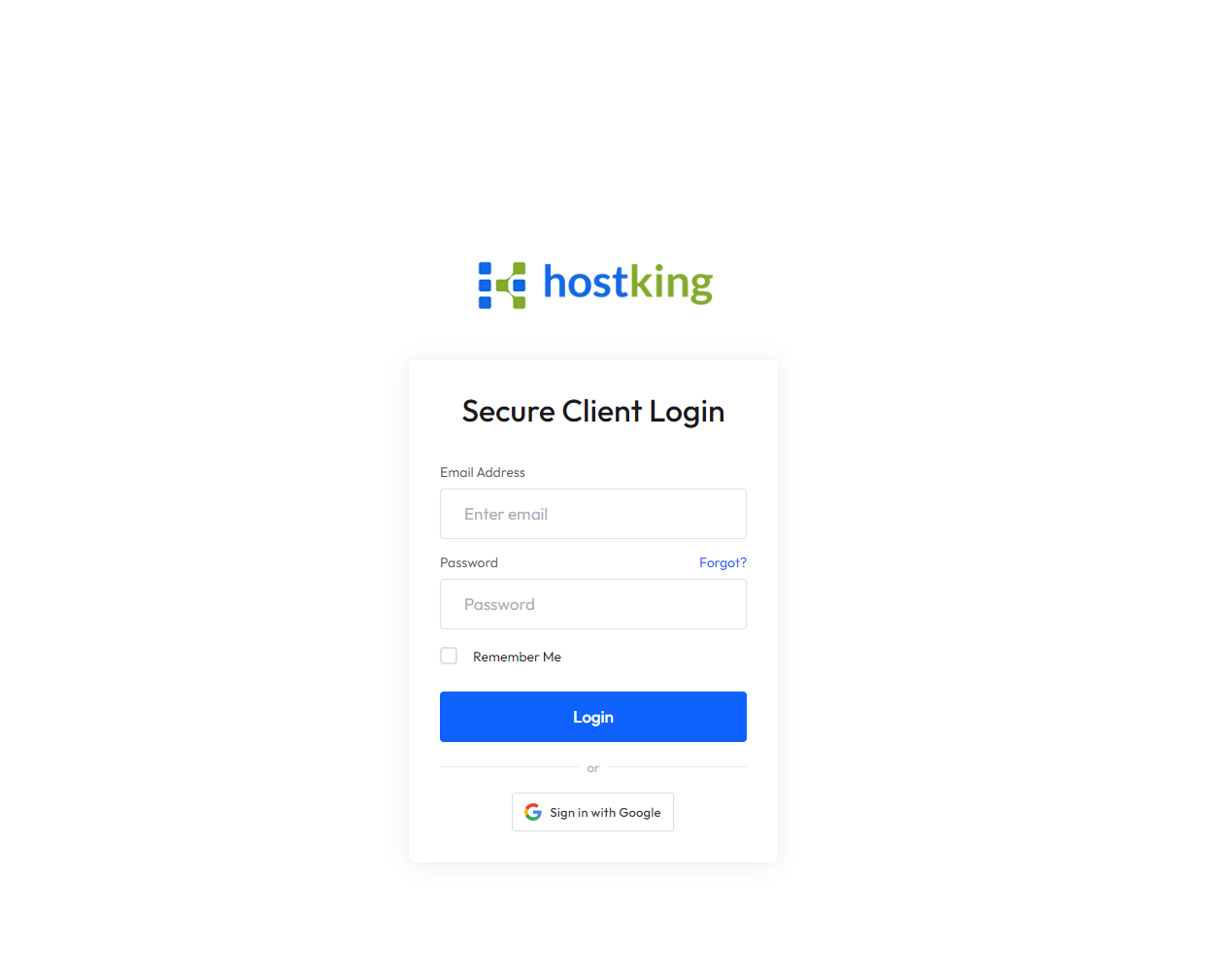
3) Click Login.
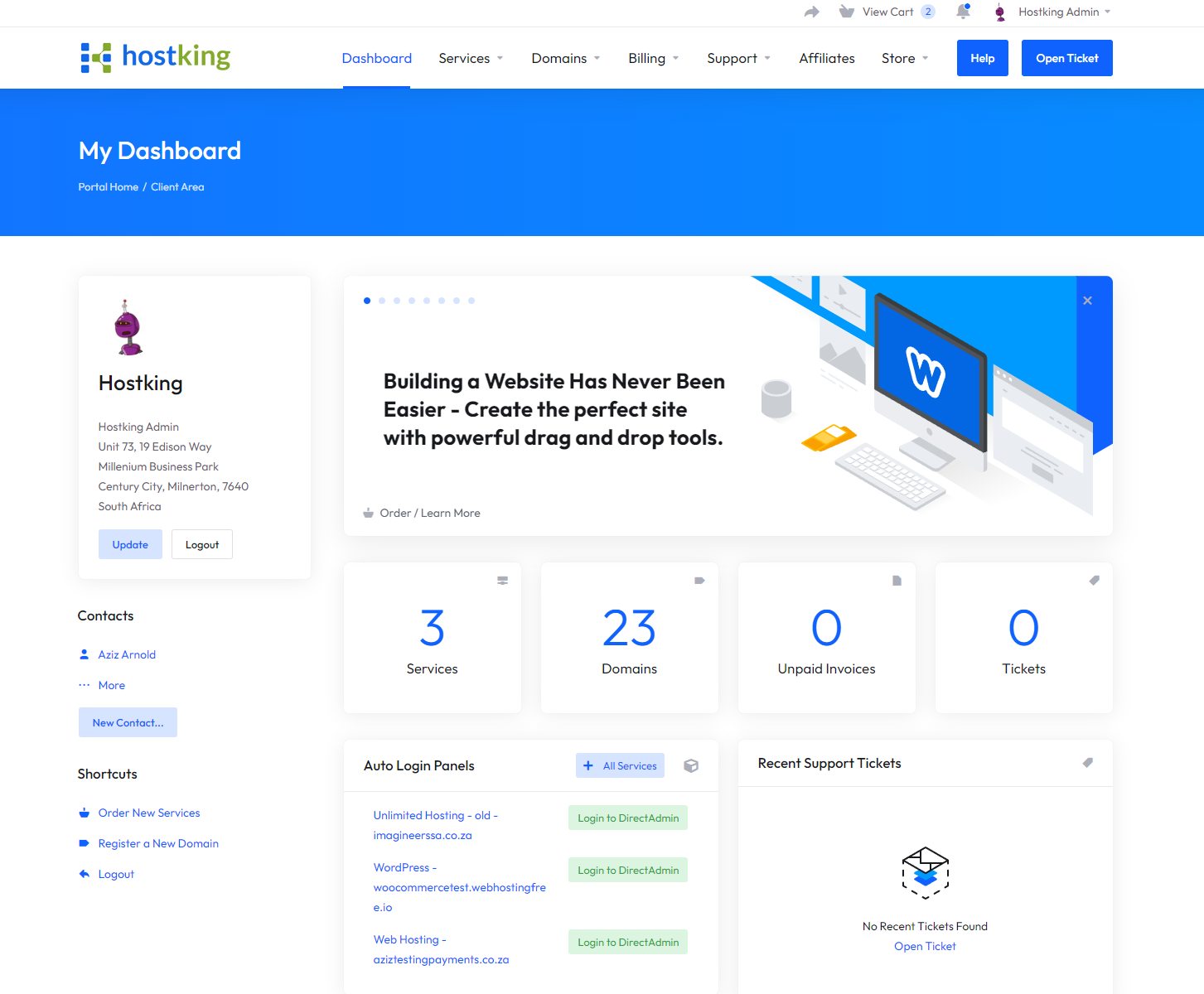
4) This will take you to our Client Dashboard where you can then manage your account:
5) To retrieve your support PIN, click the Support Menu and click Support Pin.
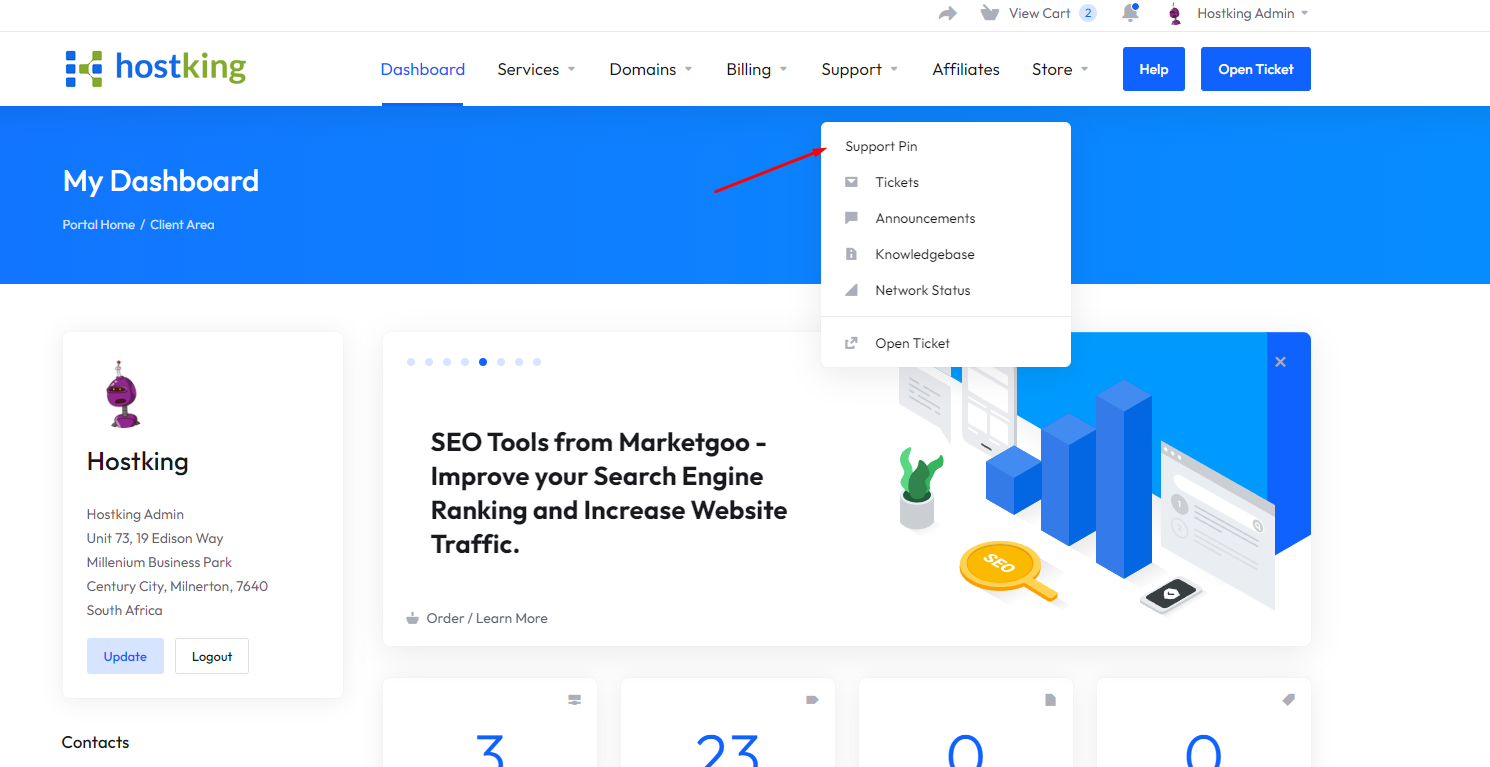
6) On this page you can view the support pin and provide it to customer support team or migration team to further assist where necessary.
